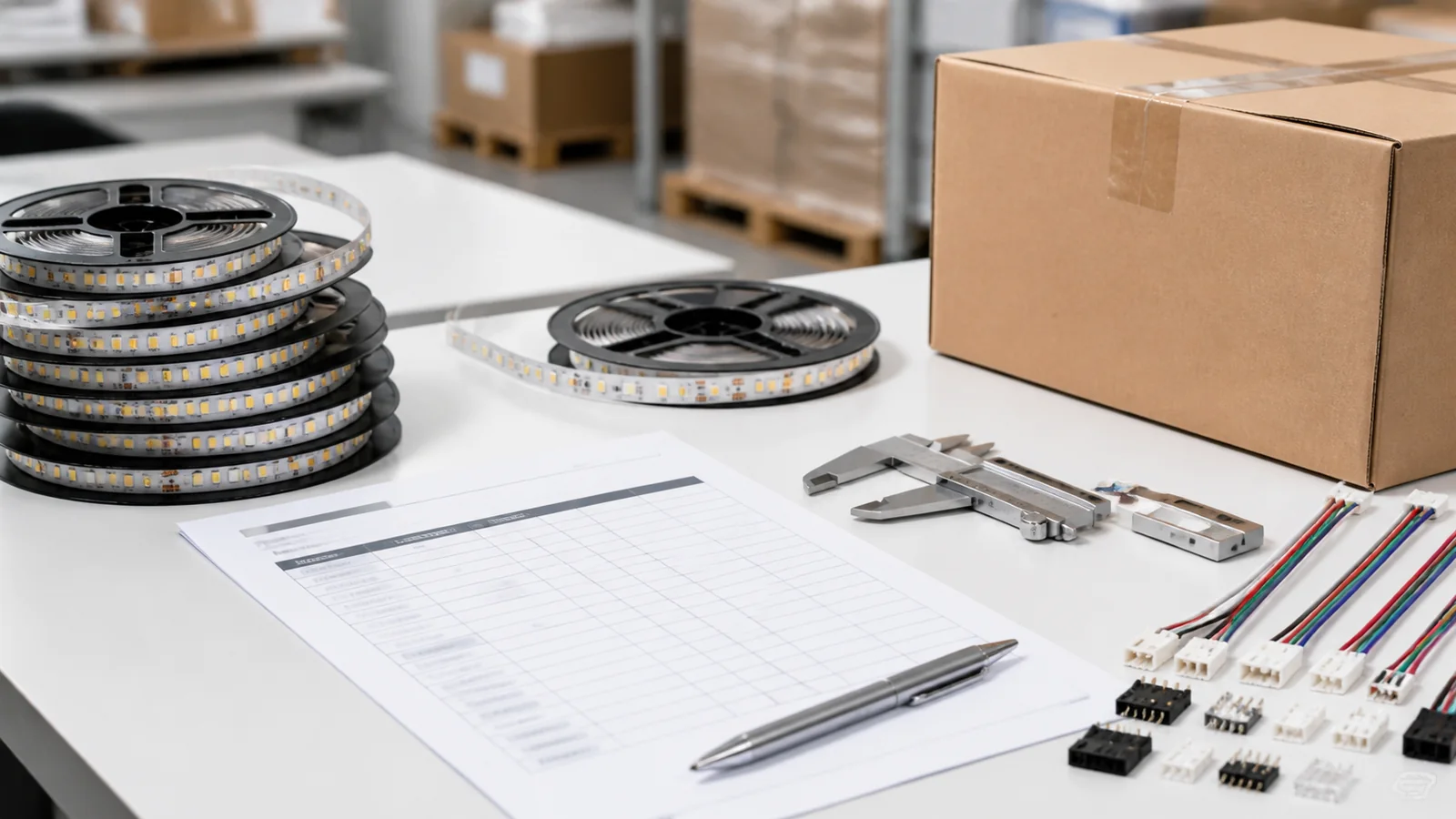
Ordinary low-voltage LED strip can work in a KNX installation when the selected KNX controller or driver has a compatible output. The tape itself does not need a KNX connection. Its supply voltage, channel arrangement and load must match the equipment that actually powers and dims it. Never connect ordinary tape directly to the KNX bus.
Before buying strip for a UAE villa or Saudi hotel room, ask the integrator to identify its power source and the interface controlling its output. A quotation listing a wall keypad, KNX actuator and tape without that arrangement leaves the dimming system undefined.
Separate the command path from the strip power
A common arrangement uses an external constant-voltage supply and a KNX PWM controller between that supply and the tape. The bus delivers control commands to the controller; the separate supply provides the strip’s load power. Follow the exact equipment documentation for connections and protection, with installation by qualified personnel.
MDT’s AKD controller operating instructions distinguish the KNX bus connection from the external LED supply and output terminals. They describe DIN-rail installation in dry rooms and commissioning through ETS. This is an example of the separate-supply architecture, not a wiring plan for every KNX controller.
Another arrangement uses a driver with KNX control built in. MEAN WELL’s KNX product brochure describes PWM-KN drivers with constant-voltage PWM output. A KNX-DALI interface is a further route when a project specifies DALI control gear. Zennio’s equipment-selection FAQ distinguishes direct-current LED dimmers from DALI interfaces. The output powering the strip must still match its electrical requirements.
| Proposed arrangement | What powers the strip | Check before ordering |
|---|---|---|
| External supply plus KNX PWM controller | Compatible DC supply through the controller | Supply voltage, common connection, channel and total limits |
| Driver with KNX interface built in | The integrated driver’s LED output | Exact constant-voltage variant, supported modes and load limits |
| KNX-DALI interface plus LED control gear | The separate DALI-controlled LED output | Both control-side interoperability and strip-side compatibility |
| KNX relay controlling a supply | The switched supply | Switching provides on/off; it does not establish dimming capability |
A mains dimming actuator and a DC strip PWM controller have different load connections. Where a design dims the driver on its mains side, review the exact actuator/driver/load combination. The KNX interface does not make those load terminals interchangeable.
Match voltage, channel mode and permitted load
Read the electrical information and pinout for the chosen strip variant. White tape generally needs brightness control, while tunable white needs the correct warm/cool channel arrangement. RGBW and addressable products require their own interfaces. Several analog PWM outputs cannot generate the pixel-data signal an addressable strip requires.
The 8mm 480LED/m CCT COB family lists DC12/24V variants and WW+W construction. Confirm the selected voltage, pinout and channel loading with the order. Its catalog notation does not establish compatibility with a particular KNX device or the allowed simultaneous channel state.
For a fixed-white comparison, the 8mm CRI95 COB family provides another low-voltage source candidate. Identify the white variant in the brief. A controller needs to suit the selected tape and operating conditions, not only its nominal voltage.
Calculate each branch from its confirmed watts per meter and installed length. Divide branch power by the selected voltage to estimate nominal current, then check the controller’s per-channel and combined limits. For multichannel tape, obtain the permitted maximum channel state. Apply the manufacturer’s derating, wiring and installation limits; a total device rating cannot be assigned independently to every channel.
The controller selection guide and power and voltage-drop guide help organize that schedule. For a product-specific comparison after the architecture is decided, review the KNX controller shortlist for UAE and Saudi projects.
Test the configured system before repeating it across rooms
Ask the integrator to demonstrate a representative zone using the actual strip, supply, output device and keypad, with the relevant cable lengths. Test the lowest required brightness, transitions, scene recall and recovery after power interruption. Include warm/cool adjustment where specified; an on/off demonstration alone leaves dimming and recovery behavior unverified.
Record the device-application settings separately from the room logic and user-interface settings. Match the hardware revision to its application software. If purchasing changes the controller model, the integrator may need different parameters or a revised configuration.
Before approving the bulk order, agree who supplies and retains:
- The complete equipment schedule and confirmed strip configuration.
- Channel allocation, branch loads and output-mode settings.
- Device addresses, group-address mapping and scene definitions.
- The current project configuration, version information and owner access.
- The replacement and recommissioning procedure, with the responsible service contact.
- Acceptance records for the required dimming and restart behavior.
Send the strip and branch schedule through the quotation form, together with the integrator’s proposed output equipment. Standard MOQ is 500 meters and custom MOQ is 2,000 meters; ordinary warranty is 2 years. Confirm strip supply separately from KNX equipment and commissioning services. A strip quotation does not imply a tested complete KNX system.
Catalog & Sourcing Note
This article is prepared from our current product catalog and B2B specification workflow. Electrical, waterproofing and installation requirements vary by model and market, so confirm the final specification and approved sample before ordering.
Discuss Your Specification