Join strips at their marked copper pads and keep the joint within its electrical limits
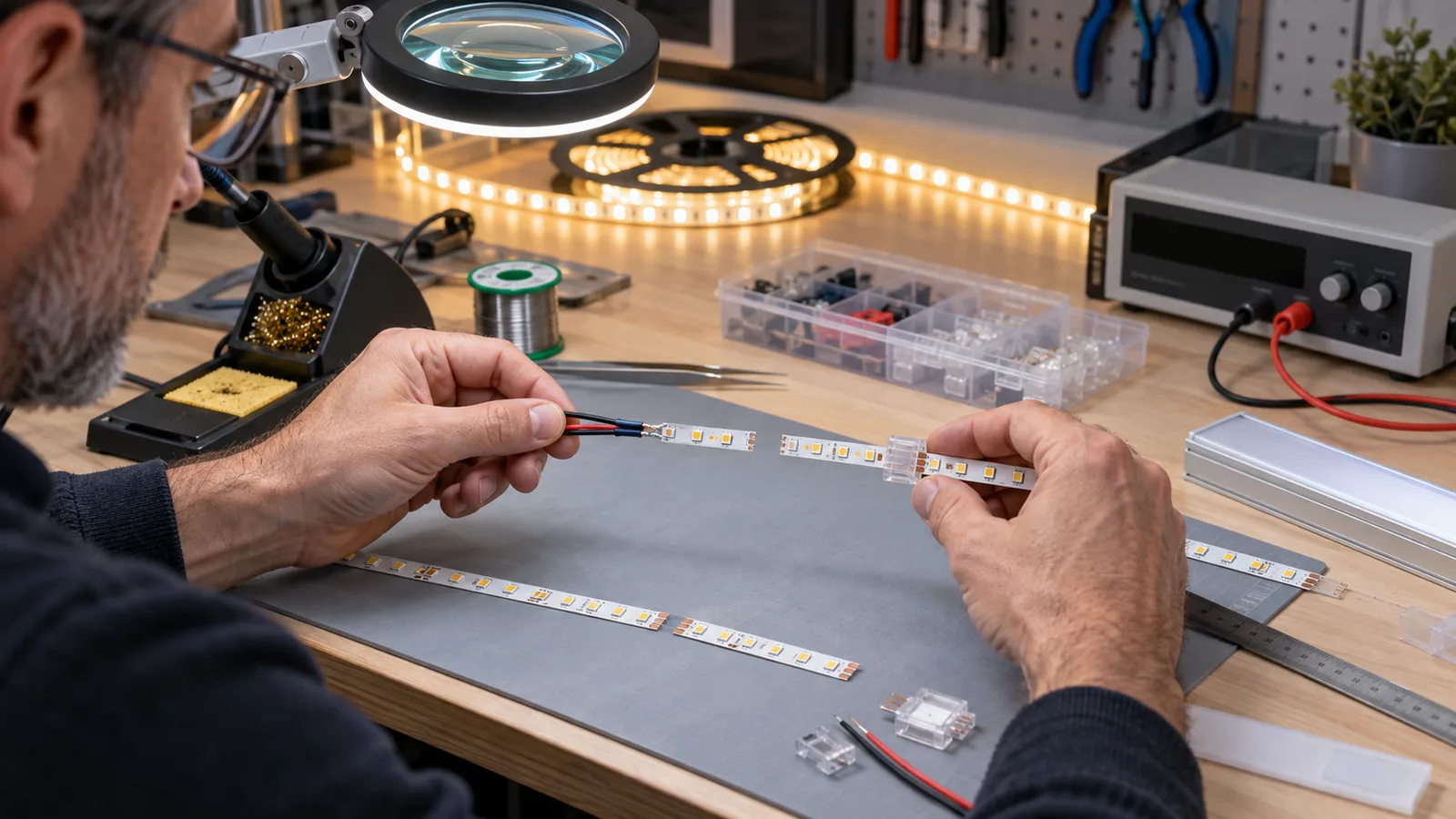
Two LED strip sections can be joined with a model-matched clip connector or by soldering suitable wire to the copper pads. Make the joint only at a marked cut point. Match the ordered voltage, PCB width, pad layout, number of channels and polarity. The joint also needs adequate current capacity, insulation, strain relief and protection for the installation environment.
Joining the tape does not automatically permit a longer single-feed run. Every added meter increases load and voltage loss. Long installations usually work better as planned parallel branches with separate feeds or power injection points. The strip datasheet, driver capacity, cable calculation and loaded test determine the feed arrangement.
Before starting, isolate the power and identify the exact strip. Do not join a 12V section to a 24V reel, mix constant-voltage tape with a mains-voltage product, or assume two similar-looking RGB strips use the same channel order.
Choose between clip connectors and soldered leads
Clip connector
A clip connector can speed up repeat work and avoid soldering at the installation location. It must match all of these features:
- bare or coated strip construction;
- PCB width;
- two, three, four or more conductive pads;
- pad pitch and contact position;
- strip-to-strip, strip-to-wire or corner function;
- conductor size and current rating;
- available space inside the profile;
- indoor or protected joint requirement.
Open the latch, insert the strip squarely to the stop, confirm that each contact sits on the correct copper pad, and close the latch fully. Pull lightly on the cable to check retention. A connector can fit physically while landing between pads or reversing a channel.
Read the connector compatibility guide before ordering accessories. Test the selected connector on production samples, including the diffuser and profile. Some connectors are wider or taller than the strip and will not fit the planned channel.
Soldered lead
A controlled solder joint can be compact and useful for pre-cut assemblies, corners and profile installations. It needs trained operators, suitable wire, clean pads, controlled heat and mechanical support after soldering. Excess heat can lift pads, damage LEDs near the cut or deform a protected coating.
The LEDVANCE Performance strip instruction shows a product-specific soldering limit of 350°C for no more than 3 seconds. That value belongs to the illustrated product. Use the limit supplied for the exact strip being assembled. The LED strip soldering guide covers pad preparation, polarity and inspection in more detail.
Factory pre-cut assembly
For repeated cabinet, shelf or sign lengths, consider ordering cut sections with leads attached and labeled. This moves the joint into a controlled production process and reduces site variation. The drawing must still define strip model, cut length, wire type, lead length, exit direction, connector, polarity label and test requirement.
Calculate the current before approving the joint
For a constant-voltage strip, estimate branch current from:
Current (A) = installed strip power (W) ÷ nominal voltage (V)
A 10m branch rated at 12W/m has a nominal strip load of 120W. At 24V, the nominal current is 5A. This example does not size the driver, connector or cable by itself. Apply the ordered product data, loading guidance, voltage-drop calculation, ambient conditions and required margin.
Check the current through each joint as well as the total at the power supply. A strip-to-strip connector near the feed may carry the load of every downstream meter. If its rating is below that current, divide the run into separately fed branches or change the connection method.
Measure voltage at the start and end of a representative installed run under load. Compare brightness and temperature at the joint. A connector that passes continuity with no load can still develop voltage loss or heat when current flows.
For multiple branches, use the one-power-supply connection guide. It explains branch wiring and total-load checks. The voltage-drop guide covers cable and feed planning.
A repeatable joining sequence
- Verify the model, rated voltage, channel order and cut interval on both pieces.
- Isolate the circuit and lock out the relevant supply where site procedures require it.
- Cut squarely through the marked cutting area without damaging the adjacent pad.
- Remove only the coating required by the product’s joint method. Do not cut into the PCB.
- Prepare the connector or tinned lead according to the product instruction.
- Match positive, negative and every color or data channel before closing or soldering the joint.
- Inspect contact position or solder wetting under adequate light and magnification.
- Insulate the joint with the approved method and restore the required protected construction where applicable.
- Add strain relief so movement of the cable does not reach the copper pads.
- Test continuity and polarity before energizing.
- Power a short section at its confirmed rated voltage, then test the representative loaded length.
- Record the accepted joint, operator or batch when the assembly is repeated for a wholesale order.
LEDVANCE’s 12V strip instruction shows cutting at the minimum cutting unit and connecting by soldering or a product-suitable connector. It also distinguishes the connection method for a protected strip. Follow the ordered model’s own instructions where they differ.
Joining protected strip
A strip’s stated IP construction does not automatically apply to a field-made joint. Cutting opens the protective system. The finished connection needs the specified seal, end treatment, cable entry and curing process. Test the completed assembly under the exposure conditions defined for the project.
Do not hide an untested joint inside a wet, inaccessible or permanently closed location. Put serviceable joints in an accessible profile or enclosure whenever the design allows. The waterproof connection guide explains the assembly-level checks.
Do not build a long run by connecting reels without a feed plan
Four 5m reels clipped end to end make a 20m physical line, but that does not prove the first strip section can carry the downstream current or that the far end will receive adequate voltage. The result may be dimmer at the end, change color on RGB products, run hot near the feed or overload a connector.
Prepare a drawing that shows:
- every strip section and cut length;
- feed direction and polarity;
- driver output and branch terminals;
- cable size and route;
- strip-to-strip joints;
- power injection or double-end feeds;
- controllers, amplifiers and data direction where used;
- accessible test points.
Our catalog includes a DC24V 20m SMD2835 model. Its listed supply length is model-specific. It does not establish a 20m limit for another strip or permit four conventional reels to be joined into the same electrical arrangement.
Addressable strip needs additional data checks. Maintain the arrow or data direction, shared reference conductor and controller-specific wiring. Treat data continuity and power distribution as separate parts of the plan.
Specify joints before placing a bulk order
Add these fields to the purchase specification:
- strip model, voltage and PCB width;
- cut interval and required finished lengths;
- joint type and connector code;
- pad or channel order;
- wire material, conductor size, color and lead length;
- current through the most heavily loaded joint;
- insulation and strain-relief method;
- protected-joint construction where required;
- profile clearance;
- test voltage, loaded test length and acceptance check;
- labeling and packing by room, fixture or circuit.
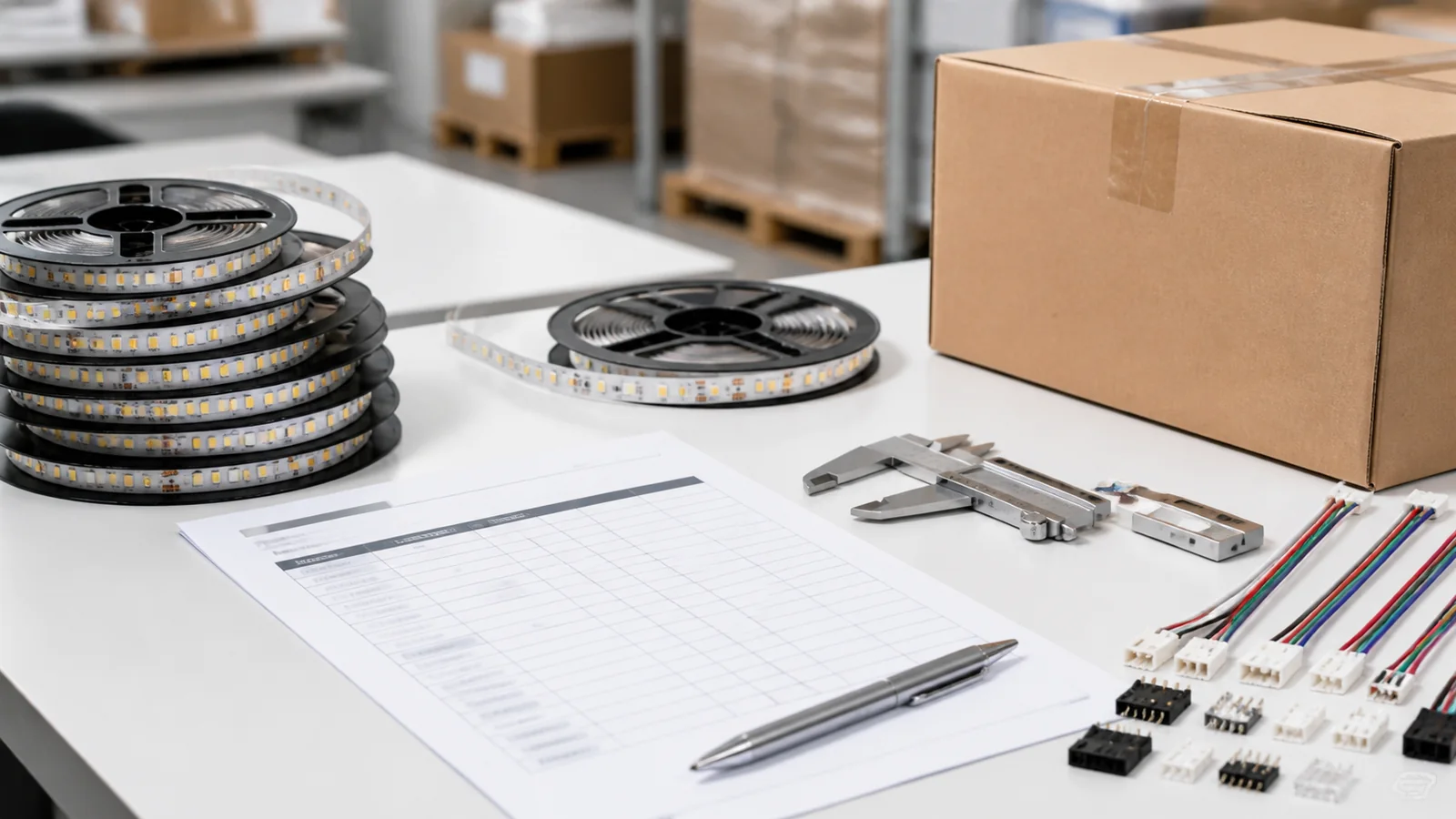
Approve a sample made with the production materials. Check it inside the actual aluminum profile, because a sound electrical joint may still prevent the diffuser from closing. For repeated assemblies, send the cut schedule and wiring drawing through the quote form. Standard wholesale MOQ is 500m, and all assembly details must be confirmed before production.
Catalog & Sourcing Note
This article is prepared from our current product catalog and B2B specification workflow. Electrical, waterproofing and installation requirements vary by model and market, so confirm the final specification and approved sample before ordering.
Discuss Your Specification