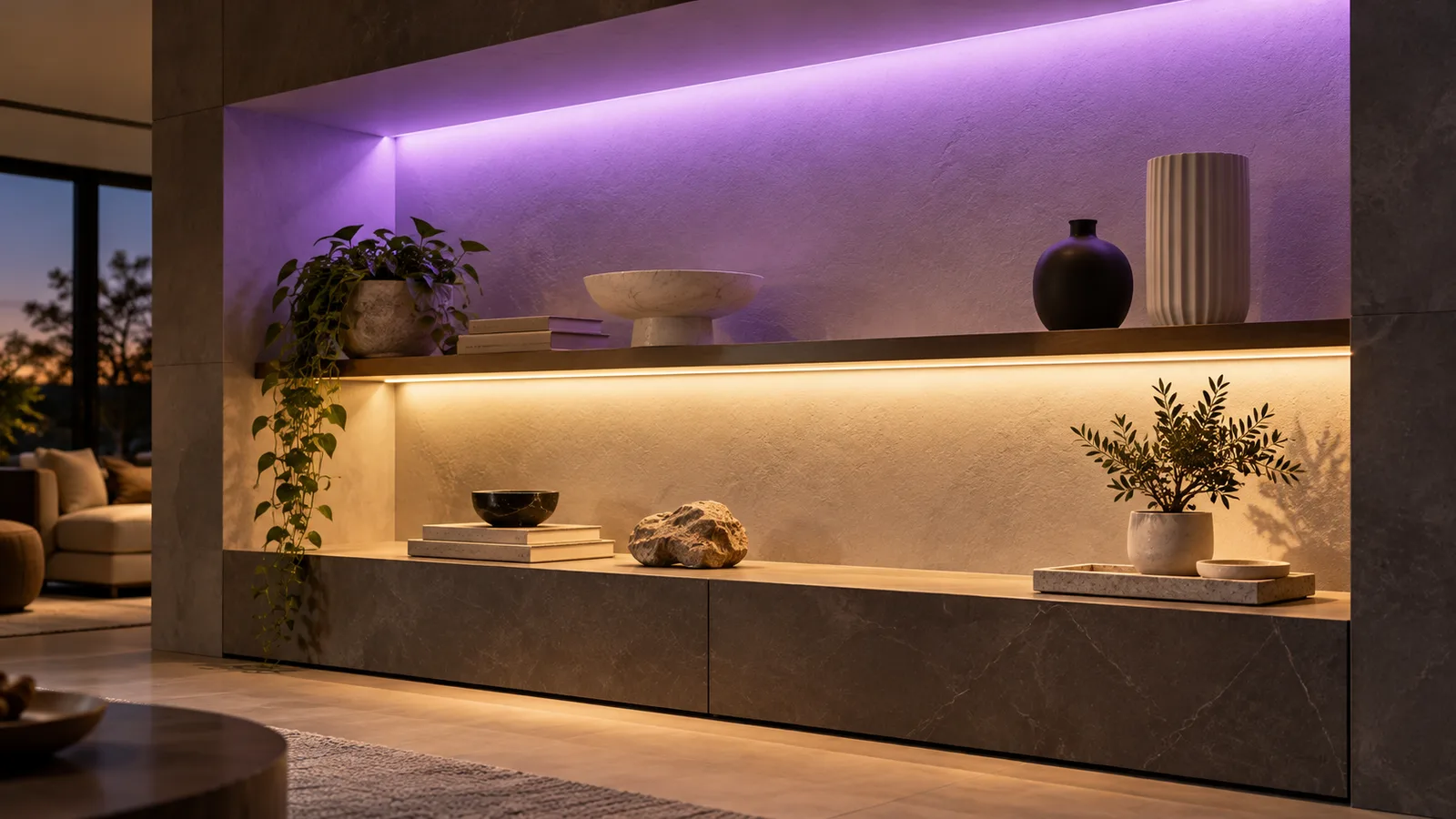
Some RGBW systems can run RGB and the dedicated white channel together. Confirm that the strip, receiver and control interface support the intended combination and its load; the RGBW label alone does not establish this. When choosing white switches off color, check the exact controller’s mode and instructions before deciding the strip is defective.
This guide focuses on analog RGBW systems with separate color-channel outputs. Addressable RGBW products use their own data protocol and channel configuration; apply their exact documentation instead of an analog wiring assumption.
Confirm what the white control actually operates
An RGB strip can mix its color channels to produce a white-looking scene. An RGBW strip adds a dedicated white source. A white button in an app or on a remote does not identify which of those arrangements you have.
With power disconnected, record the strip markings and the receiver’s model, output diagram and selected operating mode. A controller set for a different strip type can present controls that do not correspond to the connected channels. Follow the actual pinout; wire colors and contact count alone are insufficient.
LEDStripStar’s RGB 5050 54LED 5m set is cataloged as RGB. That listing is not evidence of a dedicated white channel or an RGBW mixing mode. Keep this distinction when comparing it with another supplier’s RGBW offer.
For white-light quality, use the RGB white-light guide. A white channel’s appearance and output are separate questions from whether the controls allow it to operate alongside color.
Read the control actions, not just the product heading
Sunricher’s SR-SBP2801K4-FOS-E switch instructions provide a concrete example: they distinguish white-channel actions with RGB enabled from actions with RGB disabled, and RGB mixing actions with white enabled. These are functions of that documented switch system and its paired equipment, not a universal feature of every RGBW kit.
The proposed controller documentation should identify the supported mixing actions. Check them through the app, wall switch or remote the customer will use. One interface may expose a function that another interface’s scene controls do not.
| Observed behavior | Check first | Decision before purchasing |
|---|---|---|
| White selection always cancels RGB | Mode and documented mixing actions | Confirm simultaneous mixing or accept exclusive modes |
| App can mix, wall control cannot | Supported actions and scene recall on each interface | Demonstrate the customer’s normal control path |
| Color works but W never lights | Strip type, pinout, mapping and white-channel operation | Resolve the missing channel before a mixing test |
| Mixing causes dimming, resets or unstable output | Permitted scene load and controller/supply limits | Stop the test and have the system checked |
| A scene changes after power returns | Saved scene and startup configuration | Agree and verify the required restored state |
Do not assume a hidden menu will add a function the controller lacks. Ask the supplier to demonstrate the required combination with the exact receiver and interface revision. If the manual does not establish support, leave the feature unconfirmed.
Check combined loading before testing the scene
The test should use the longest representative branch and the selected supply, cable layout and controller. Mount and unroll the strip safely according to its instructions; do not run a loaded reel as the demonstration. Qualified personnel should make electrical changes with power disconnected.
For an analog common-conductor RGBW system, current in the common conductor is the sum of the active channel currents. Check the per-channel limits, combined-output limit and any shared-terminal limit. Do not multiply a single channel’s rating by the channel count unless the manufacturer explicitly permits that total.
Use the strip’s stated maximum permitted operating condition and the supply manufacturer’s loading instructions. A decorative scene drawing less power does not establish suitability for the highest allowed combination. A model’s total power entry may also need clarification about the channel state it describes.
The SR-2806T system manual lists receiver variants with different output types and ratings. It also requires matching the supply voltage and disconnecting power before wiring. This illustrates why even related controller names must be checked against the exact unit.
Test individual channels before running supported combinations within the confirmed limits. Record the chosen scene and its brightness behavior, then check recall from each interface. Repeat after the intended power-restoration event, using the startup-setting guide.
Never join controller outputs together to force simultaneous operation. If the confirmed system only allows exclusive modes, select a documented alternative or design a separate white circuit.
Make simultaneous operation an explicit order item
State “dedicated white plus RGB simultaneously” if that is required. Include strip voltage, channel order, installed branch lengths, exact receiver and control interface, intended scenes, permitted maximum load and startup behavior. Ask for a sample demonstration of those functions before bulk release.
A separate white circuit using a candidate such as the 8mm CRI95 COB family can be evaluated where white light needs independent control. It requires its own matched electrical design; it is not a plug-in replacement for an RGBW channel.
Send those references through the enquiry form. LEDStripStar’s standard MOQ is 500 meters and custom MOQ is 2,000 meters. Availability of a particular combined control arrangement must be confirmed for the order, not inferred from the color-strip category.
Catalog & Sourcing Note
This article is prepared from our current product catalog and B2B specification workflow. Electrical, waterproofing and installation requirements vary by model and market, so confirm the final specification and approved sample before ordering.
Discuss Your Specification