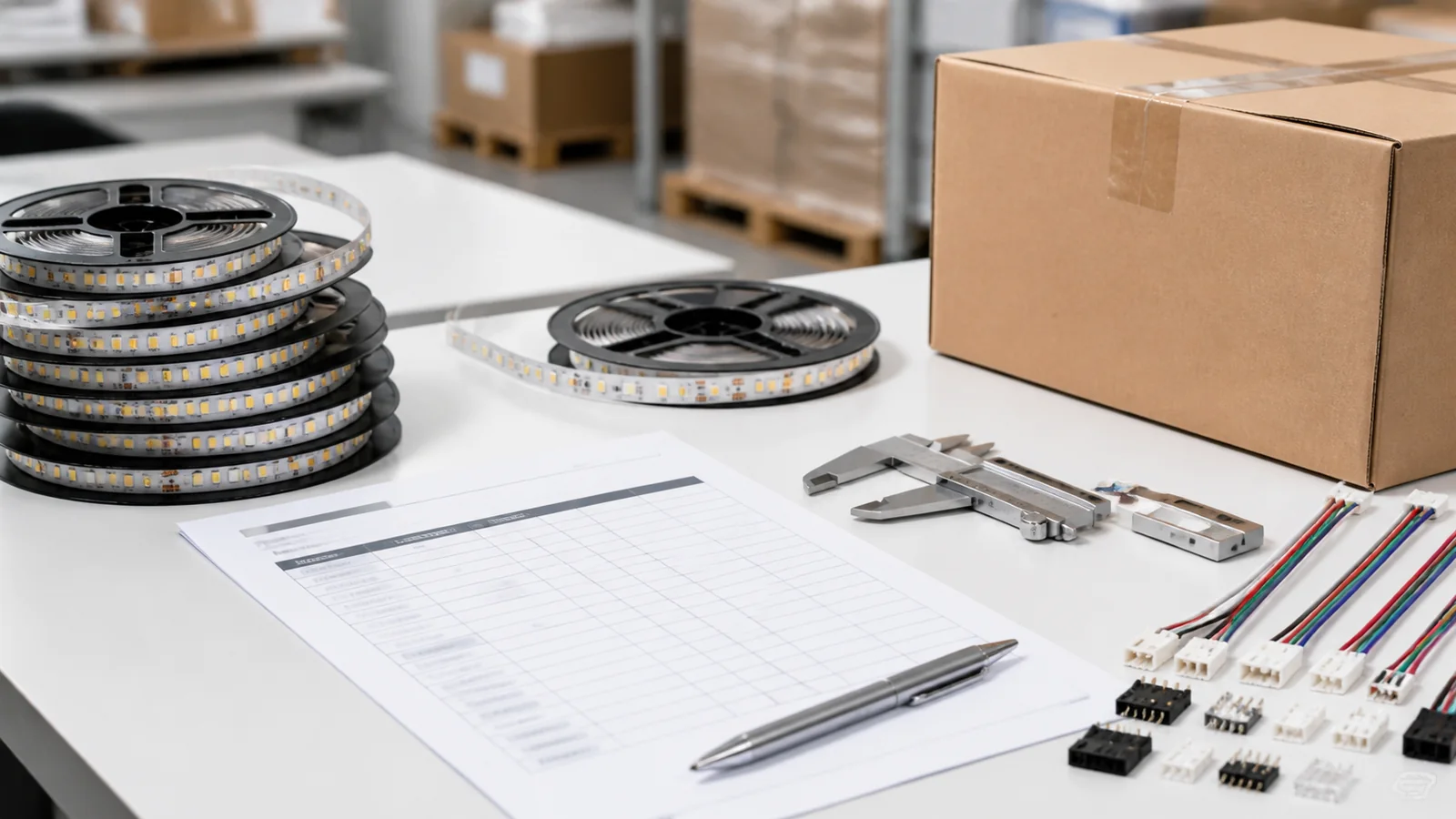
An LED strip project handover should let the owner operate the lighting, identify each installed component and arrange a compatible replacement without reopening the whole ceiling or guessing which product was used. Include an as-built zone record, accepted control settings, an operator demonstration, maintenance access information and a list of outstanding issues with named owners.
An invoice may identify a product family but omit the installed voltage variant, white tone or batch. Spare reels need those details too. Record the commissioned control settings, since a replacement controller may arrive without them.
Make one record for each maintainable lighting zone
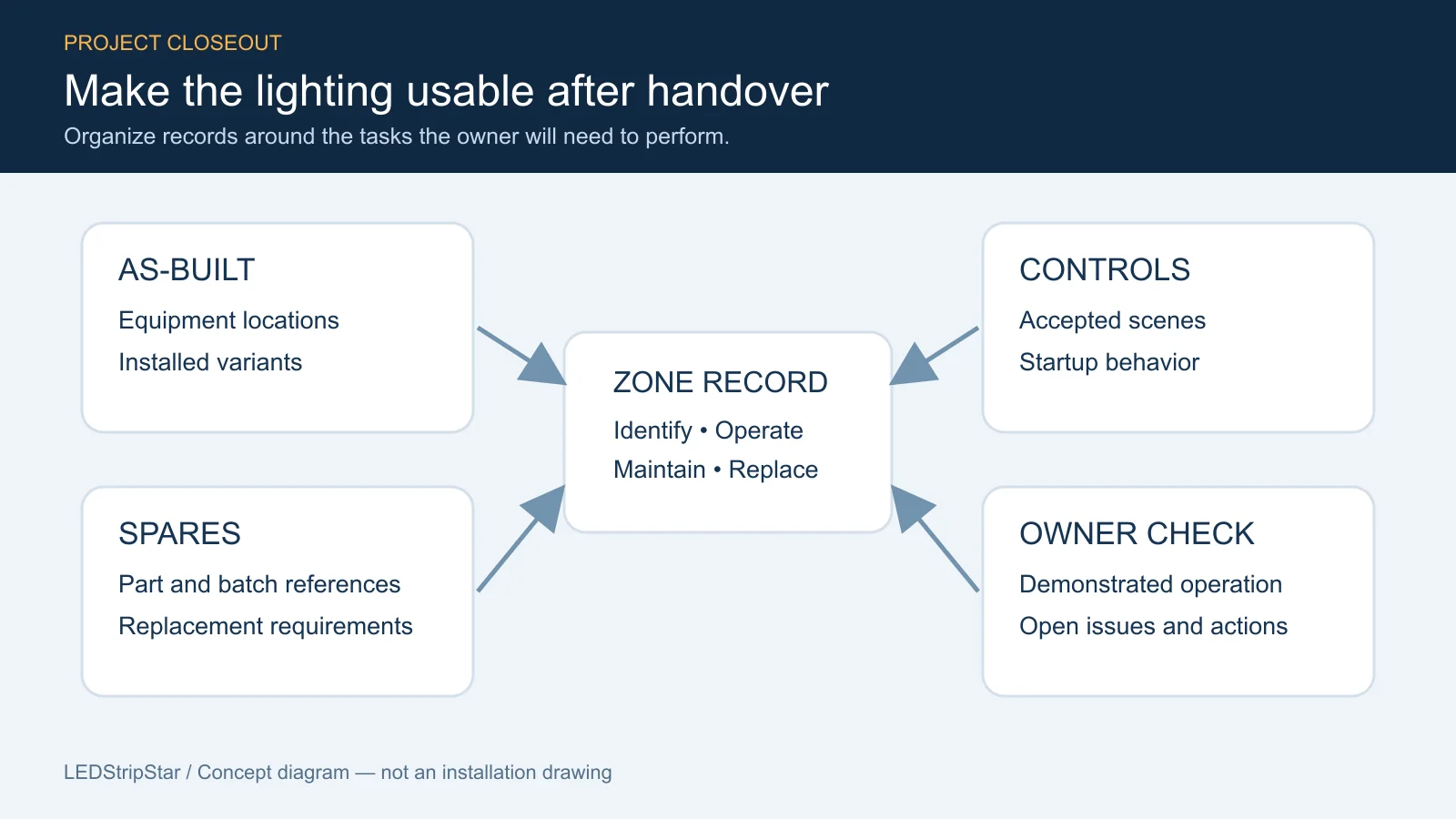
Use the same zone names on drawings, equipment labels and the handover index. “Reception mirror” is useful only if the installer and facilities team both know which mirror it identifies.
| Record | What the owner should be able to find |
|---|---|
| Installed light source | Exact model, selected voltage, color variant, construction and supplier reference |
| Physical installation | Strip sections, feed locations, profiles, joints and routes on an as-built drawing |
| Power and control equipment | Exact models, zone association and accessible locations |
| Accepted operation | Switch mapping, scenes, sensor behavior and startup state |
| Replacement information | Compatible-part requirements, batch references and allocated spares |
| Open issues | Location, symptom, responsible party and agreed next action |
Record the configuration actually installed, not an early quotation that changed during fit-out. For example, the 5mm CRI90 COB family lists voltage and color options. A family link alone cannot identify the particular variant in a cabinet. Retain the accepted order description alongside the model reference.
Photograph labels and access points where it is safe to do so. Avoid photographs that require opening energized equipment. Keep access credentials out of drawings shared with unrelated contractors; transfer them through an owner-approved secure method.
Ask the operator to demonstrate routine tasks
Ask the owner to operate a zone without the installer doing it for them. Walk through the tasks that staff will perform: turning a zone on, selecting the agreed scene, adjusting an allowed setting and returning to the normal condition.
Include a supply-recovery check if the project requires a particular restart state. Record the result and any network dependency using the power-cut recovery checklist. Where sensors are installed, demonstrate the manual override and what happens when the triggering condition ends.
Lutron’s Project Closeout Checklist separates startup, end-user training, scene tuning, documentation and building walkthrough services. These are distinct deliverables; their appearance in that checklist does not mean they are included in an unrelated strip purchase.
Agree the responsibility split before final acceptance. The strip supplier, driver supplier, controls specialist and installer may cover different parts of the system. LEDStripStar product information does not establish that site commissioning, controller programming or project approval is included.
Make the spare parts traceable to their zones
Label spare strips with their intended zones, model variant and batch reference where available. Keep the accompanying order records. Similar-looking reels can differ in voltage, color or construction, and a spare that cannot be identified may be unusable when staff need it.
For drivers and controllers, record the electrical ratings, connections and control interface needed for a compatible replacement. Keep supported configuration backups and identify who can reload them. Do not assume a new controller ships with the commissioned scenes.
Add a maintenance access note: which panel opens, where equipment is located and which qualified party should perform electrical work. The driver maintenance guide covers access planning; the replacement compatibility checklist helps define the matching requirements.
Cleaning instructions should come from the selected components and installation conditions. Do not infer solvent resistance or suitability for wet cleaning from an unspecified strip family or a general IP description. Record any restrictions that matter to cleaners, especially around mirrors, counters and sealed joints.
Separate completed work from unresolved work
List each remaining fault by zone, with the observed symptom and an agreed action. Assign an owner and an agreed date rather than writing “supplier to resolve” when the cause has not been established. Use the fault documentation checklist when evidence is needed for a replacement request.
Check that the owner can locate one zone record, operate that zone and identify its replacement requirements. If any of those tasks depends on the installer remembering an undocumented detail, the handover still needs work. Keep contractual acceptance, local compliance documents and warranty terms separate from this operational checklist; the applicable project requirements must be confirmed independently.
Catalog & Sourcing Note
This article is prepared from our current product catalog and B2B specification workflow. Electrical, waterproofing and installation requirements vary by model and market, so confirm the final specification and approved sample before ordering.
Discuss Your Specification